
If you need to replace a Candy.ai login email, start with the existing account. Candy.ai’s help distinguishes an email change on that profile from moving its information or tokens to a separate account. It says the transfer between existing accounts is unavailable.
Identify the profile before opening a request
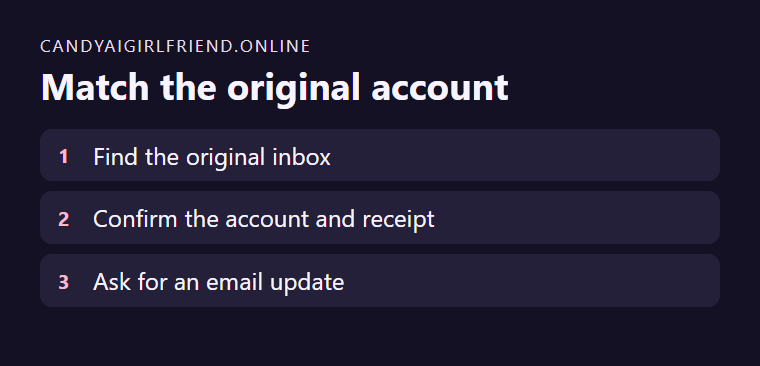
Suppose you can still sign in with an old personal inbox and want to switch to a new address. Confirm which profile contains your active plan and the characters you want to keep. If you already signed up again with the new address, note that fact before contacting support. Keep the order date and amount available for a lookup.
Use the current support instructions
Open support from the account or current help center and request an update to the original profile. Describe which address you can access and keep passwords and full payment details out of a message. Save the confirmation and verify your original profile after the change.